WooCommerce gives you flexibility, but left unchecked it can bury your best products beneath clutter, duplicated pages and slow buying journeys. We focus on the commercial outcome: getting the right products in front of ready-to-buy customers on Google and in AI search, then clearing the friction between the click and the checkout.
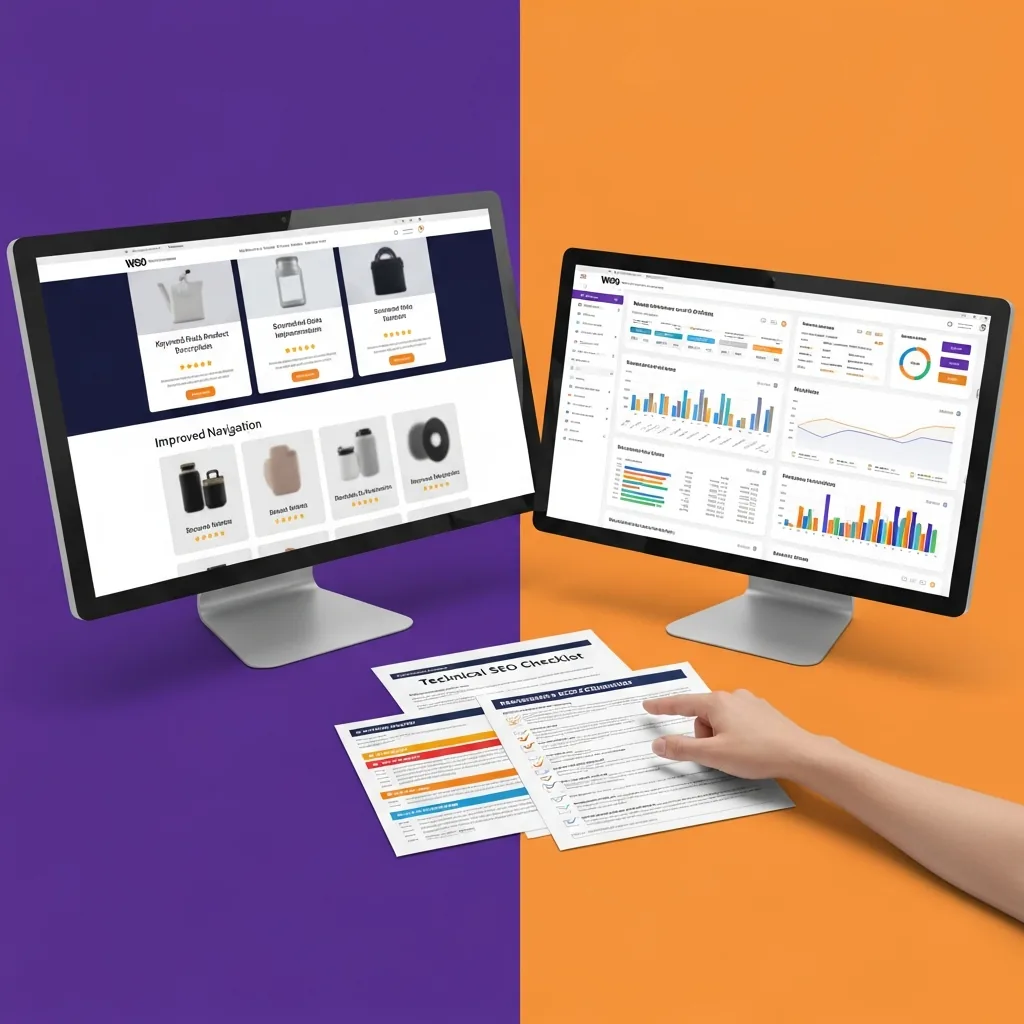
Send us your store URL and two or three priority categories. We will come back with the specific issues limiting your catalogue and where we would start to get the best return.
Most WooCommerce growth problems are not caused by one missing setting. They build up when products, categories, filters and plugins are added without a clear plan for how buyers search, compare and purchase.
Guides, comparisons and advice pages can support category visibility when they link naturally into product ranges.
Categories, tags and attributes need rules so useful archives rank and weak archives stay controlled.
Product markup should come from a reliable source to avoid conflicts between SEO, review and ecommerce plugins.
WooCommerce works best when the store and the content strategy are planned together. WordPress gives you the ability to publish advice, comparisons and buying guides, but those assets need to link naturally into categories and product ranges. We turn that flexibility into a cleaner organic path to revenue.
On product pages, we sharpen the information that reduces hesitation: clearer titles, useful descriptions, availability, reviews, delivery detail and supporting content. The goal is not to over-optimise every item. It is to make the strongest pages easier to find, trust and buy from.
These are the issues we see most often when the store has good products, but the buying journey and search structure are working against them.
Tags, attributes and filter pages can distract search engines from the pages that sell.
Too many plugins can slow product pages, confuse tracking and make checkout harder than it needs to be.
Important collections often lack the context buyers need before they choose.
Conflicting product data, reviews or availability can make your catalogue harder to trust.
We start with the pages that should create enquiries or revenue, then work backwards through search intent, technical constraints, content gaps and conversion friction. That keeps the work focused on decisions that affect growth.
Every store has its quirks, but the pattern is usually similar: clarify the catalogue, improve the pages that influence buying decisions, connect useful content to commercial ranges and measure the actions that matter.
A WooCommerce store had strong products but weak category pages and too many indexed archives. We cleaned taxonomies, improved product schema, rewrote buying-led category copy and linked advice articles to commercial pages. The store kept its WordPress flexibility while becoming easier to understand and shop.
Short answers to the questions that usually come up before a platform search project starts.
Yes, especially when WordPress content, categories and product data are planned together.
No. They help manage settings, but strategy, structure and quality control still matter.
Yes. We audit the live output and recommend changes that fit the current build.
Usually only if they create genuinely useful landing pages. Many stores should keep tag archives controlled.
Yes. Guides and comparisons can answer questions before shoppers reach a product page.
Send us the store and we will show you where structure, content, internal links and tracking can be improved without turning the project into a rebuild.